 Chimy
Agent · On after connecting
The website agent picks up your contact form.
Your contact form sends every request straight to Chimy. The agent messages the customer and asks the questions you would otherwise ask yourself.
This opens WhatsApp with a ready-made message. Send it and we'll handle the rest in WhatsApp.
Start on WhatsApp
Scan the QR code with your phone's camera.
- Open the camera app on your phone and point it at the code.
- Tap the WhatsApp notification or link that appears. WhatsApp opens with the message already typed.
- Send the message. Chimy takes it from there in WhatsApp.
What it does
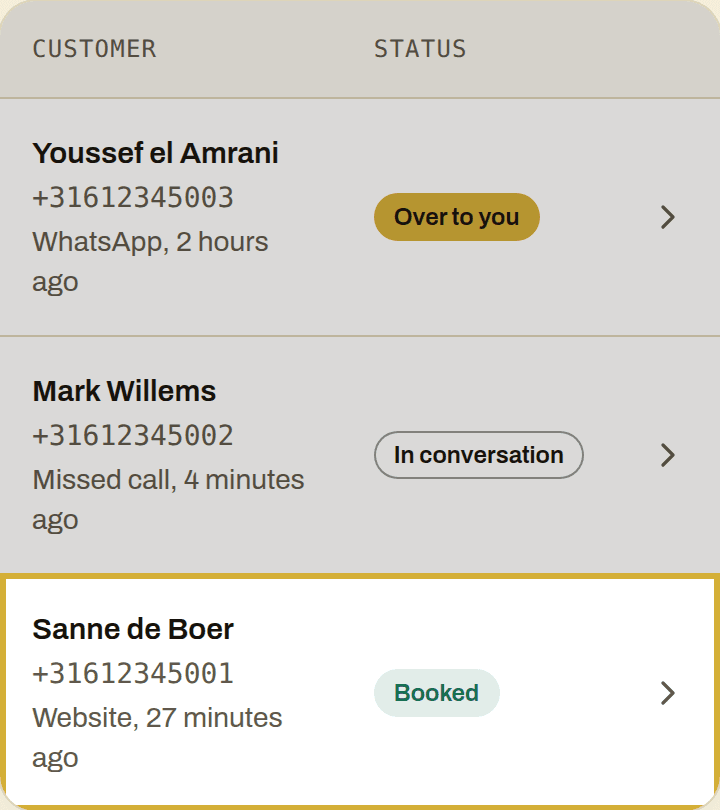
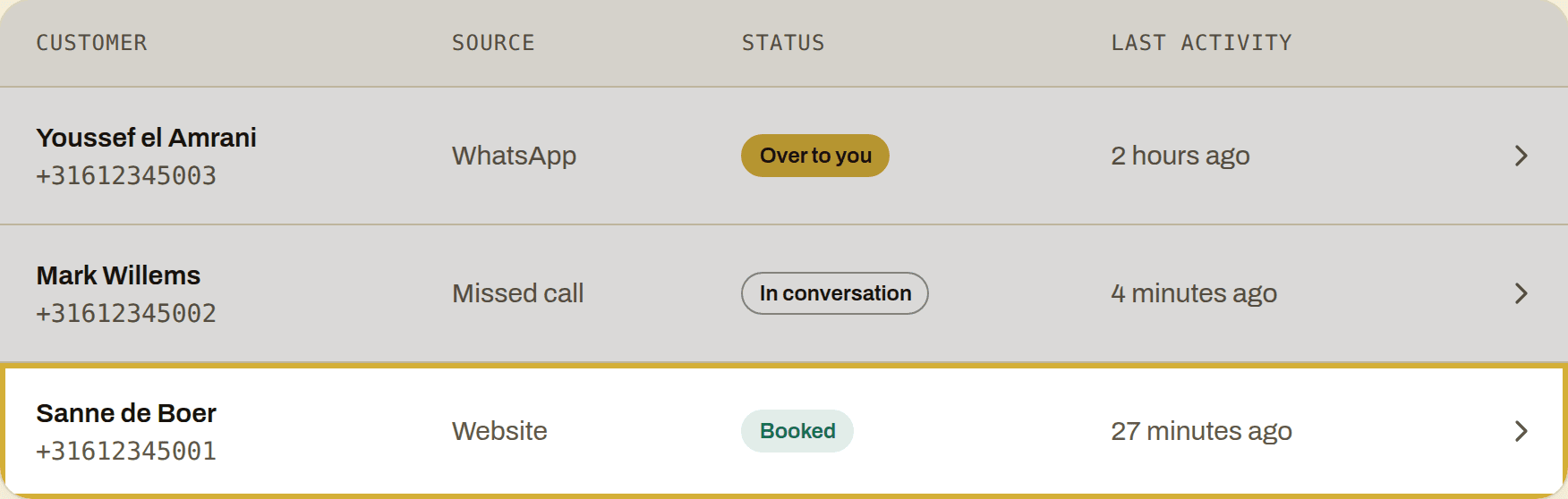
Turns every request into a lead in your dashboard.
Messages the customer within your contact hours and asks what's going on, where and when.
Books the appointment at a time you opened up.
How you switch it on
Settings shows an address and a key. Have your form send every request there. It works with WordPress and Contact Form 7.
What it costs
Part of Starter. You pay per conversation with credits.
More agents
- On from the start
WhatsApp agent
Answers your WhatsApp messages, asks what's going on and books the appointment.
- On after forwarding
Phone agent
Catches the calls you miss.
- On after setup
Booking agent
Books appointments at the times you open up.
- Switch, on by default
Reminder agent
Messages your customer the day before the appointment.
- Switch, off by default
Review agent
Asks for a review when the job is done.
Start today
You keep working. Chimy handles the first conversation.
This opens WhatsApp with a ready-made message. Send it and we'll handle the rest in WhatsApp.
Start on WhatsApp
Scan the QR code with your phone's camera.
- Open the camera app on your phone and point it at the code.
- Tap the WhatsApp notification or link that appears. WhatsApp opens with the message already typed.
- Send the message. Chimy takes it from there in WhatsApp.
Start on WhatsApp. Starter for €49 once, then pay per conversation. Prices incl. VAT.